



The questions are:
-could it be worse (because my eyes are literally burning)
-why tf would they even think to change it, it was perfectly OK
Notifications
Clear all
28 replies


Oh oh...
When I read your post I opened PokerStars.
It is currently installing.
Ewww,
They appear to have just changed the fonts and images.
Like you, I don't see the point, and it isn't an improvement as far as my taste goes.
I'm guessing that the have a design department and they pay people to design user interfaces, so they must do something.
I'm sure I'll get used to it...
<sigh>
 VS
VS
I just updated the client on the mobile phone also.
There are very few changes there -- nothing I could see right off.
Also, the tables don't seem to be affected, just the lobby.
As I said, I don't like it, but I can live with it, and I'll get used to it.


Indeed. It would be better to have a less white lobby. Old version is better for sure. Now you could get a headache if you play more than a hour I guess.
You can just copy files from backup folder (inside Poker Stars folder on your computer).
Then start the client with PokerStars.exe within the Poker Stars folder on your computer (avoiding PokerStars Update file).
You will have the lobby from before the update 
Have you tried this?
Did this suggestion come from a trusted source -- like PokerStars support for example?
Cheers,
VS
The backup is done by PokerStars client itself in case something goes wrong with an update.
At some point it might be not possible to play on an "old" version of the client.
In this archived post on 2+2 there is an former TNPS Support (Table Ninja Poker Stars Support) who is explaining how to do this - click!
Could be tricky to use, but if the poker room is still working well it could work. I don't think I will use it.

Maybe players should recommend a dark mode which is possible for many other software tools these days
Originally posted by Alaba27
Maybe players should recommend a dark mode which is possible for many other software tools these days
Good idea!
I have done exactly that
I'm already starting to get used to it.
I still would like to see a dark theme though
Yeah I recommended it to the support as well. The more talk to them the better the chance 😊
Yeah its too bright, I sent a message to support and I recommend you guys do the same so we can get something done, maybe dark theme or something.


Next update ( already in on pokerstars.Be ). No more legacy table, only aurora with a lot of bug ^^. Welcome to te new world of pokerstars a world of bugg, latency, and a world when you need a graphic card for playing poker in 2D...
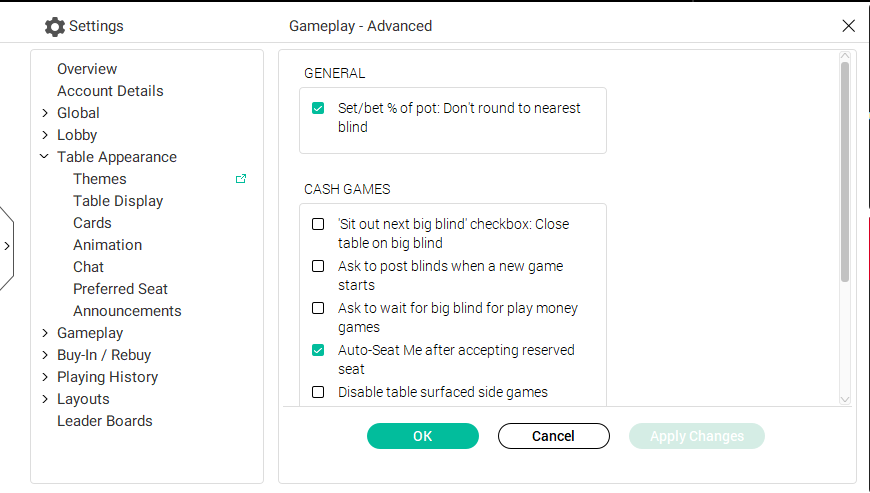
it goes from the best software to the worst.
If you haven't already, be sure to let PokerStars know how you feel.
All the best,
VS