Skip to forum
FreeBetRange: Build...
 
Notifications
Clear all

FreeBetRange: Build, Train and Apply your Preflop strategy

94 Posts
13 Users
37 Reactions
37.1 K Views
NickKorolev
Joined: 23.03.2012

FreeBetRange is a browser-based app allows you to create, train and apply your preflop ranges. (User Manual)

πŸ‘‰ 2025 Update: Freebetrange is now a complete preflop study tool powered by the new GTO Library.
We were recently featured in Pokerstrategy’s top poker software 2025 list β€” ranked #5 overall.
Check out this post to see the latest features, improvements, and screenshots.

1. Manage ranges in Editor

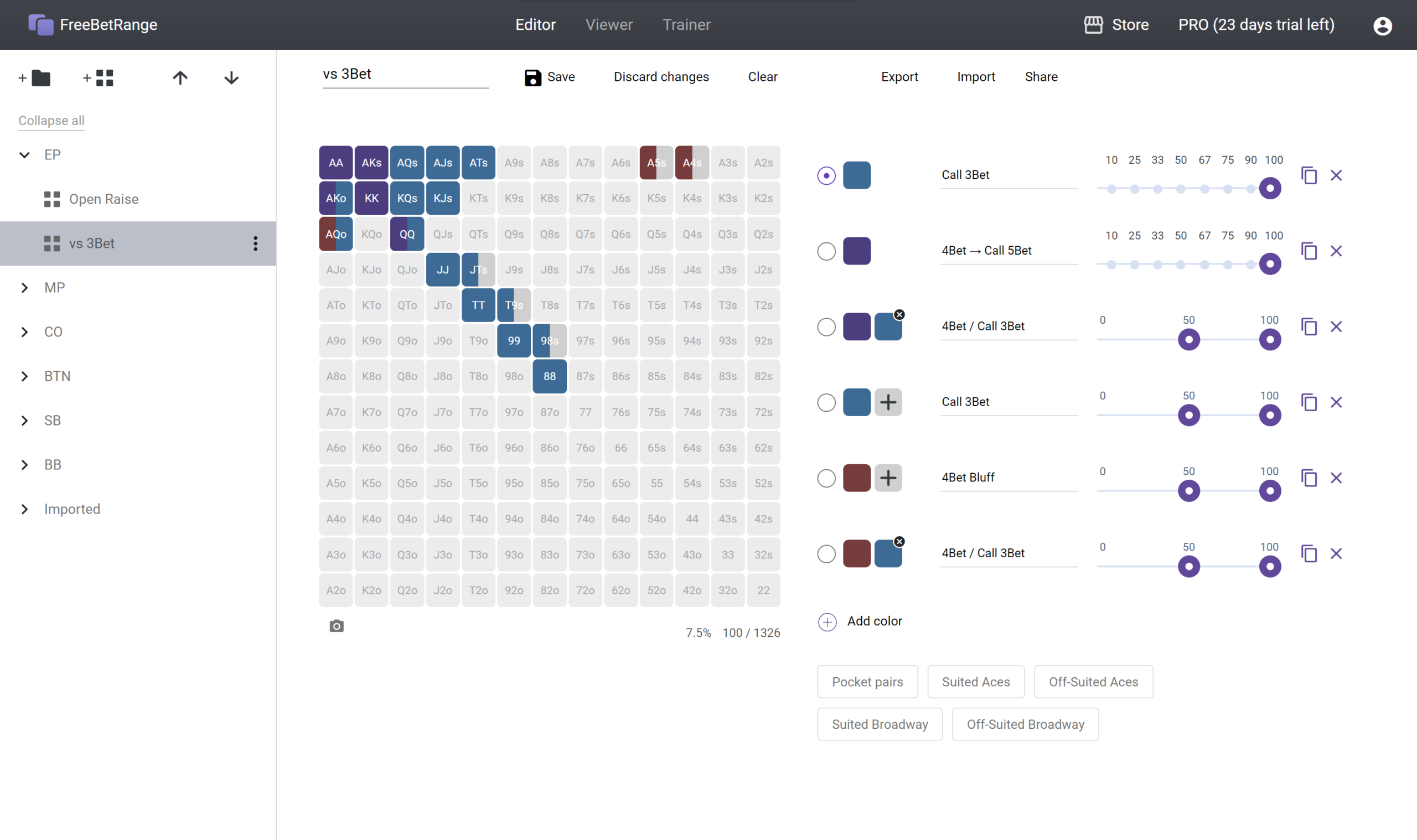
Create your preflop strategy easily using intuitive and powerful editor right in your browser.
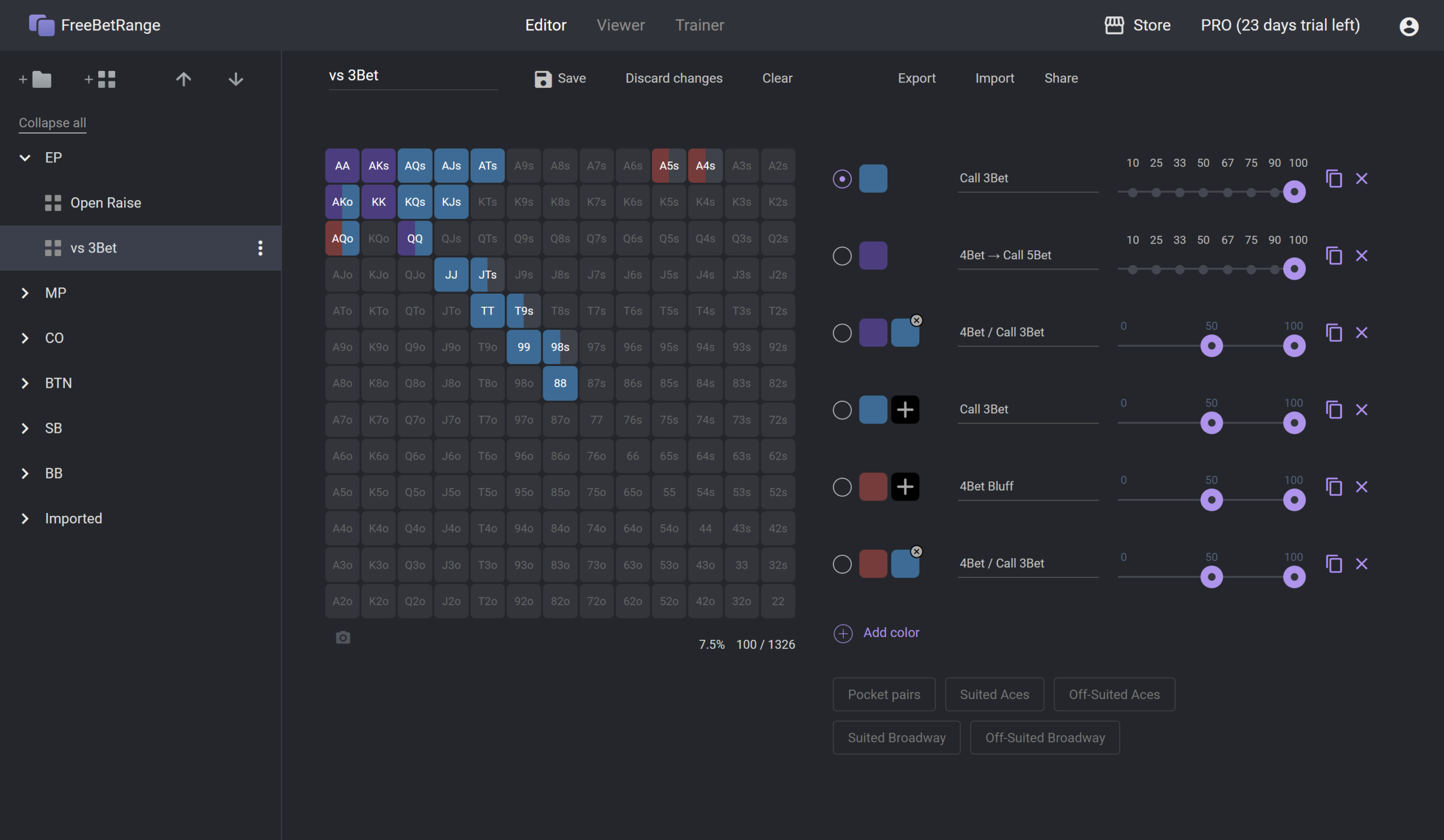
Light theme:

Spoiler
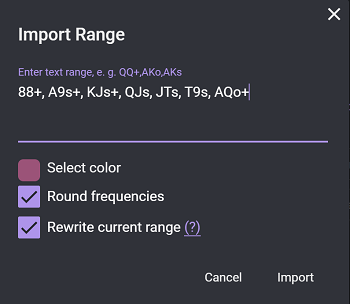
You can also import ready-made ranges from other poker software like Flopzilla, Equilab, PioSolver, SimplePostflop and so on.
2. Practice your strategy with Trainer

We have two training modes:
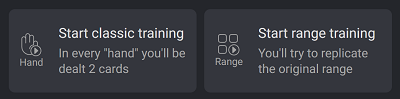
Classic mode:

Range mode:

3. Use your hand charts in game with Viewer

In the Viewer section, your ranges are displayed in the form of a convenient dynamic chart. You just need to click on the buttons corresponding to the current game situation.

Viewer can be used not only during the game but also outside the tables to run through your strategy and memorize the ranges.
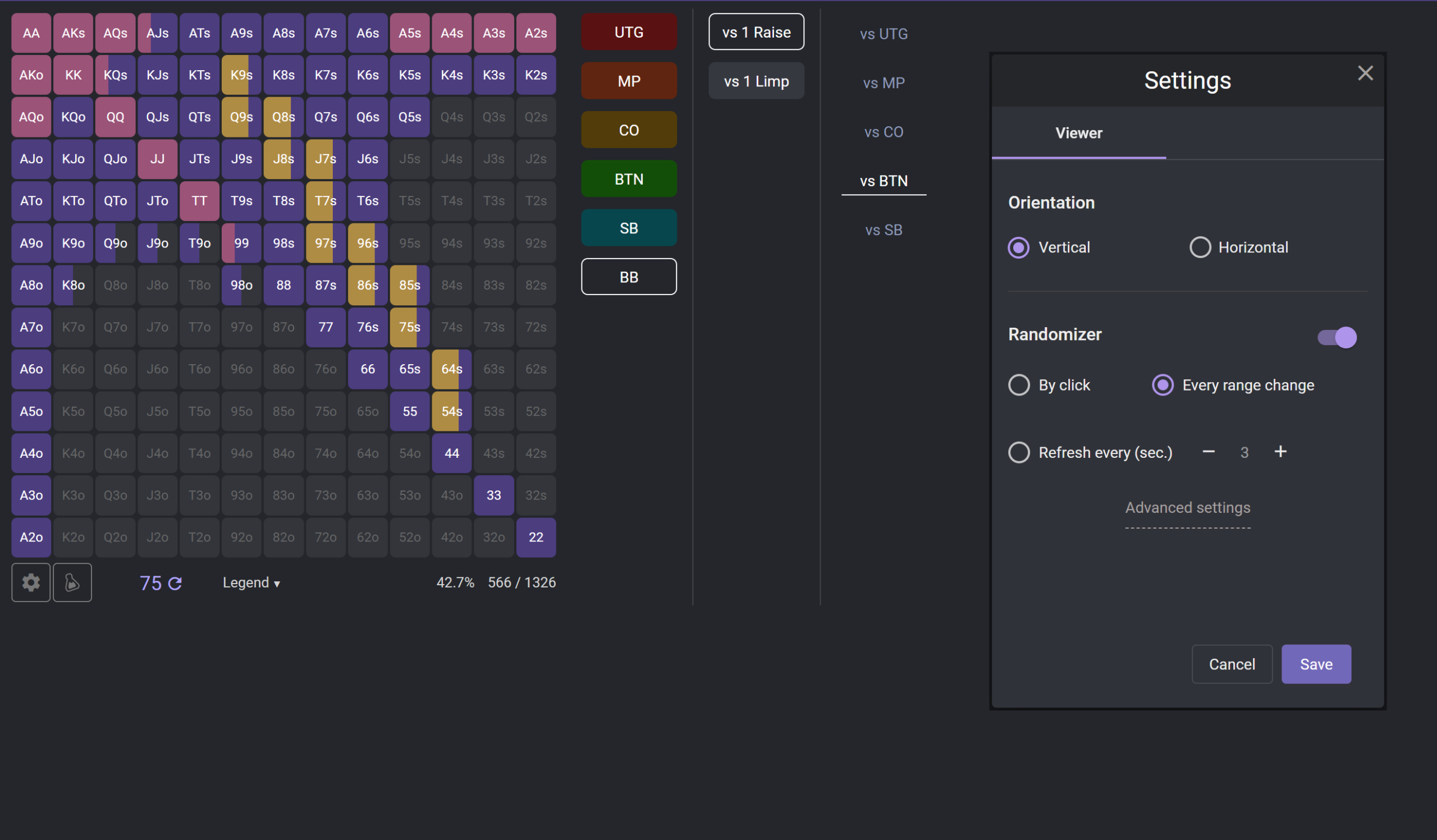
The app is optimized for phones and tablets.

Spoiler
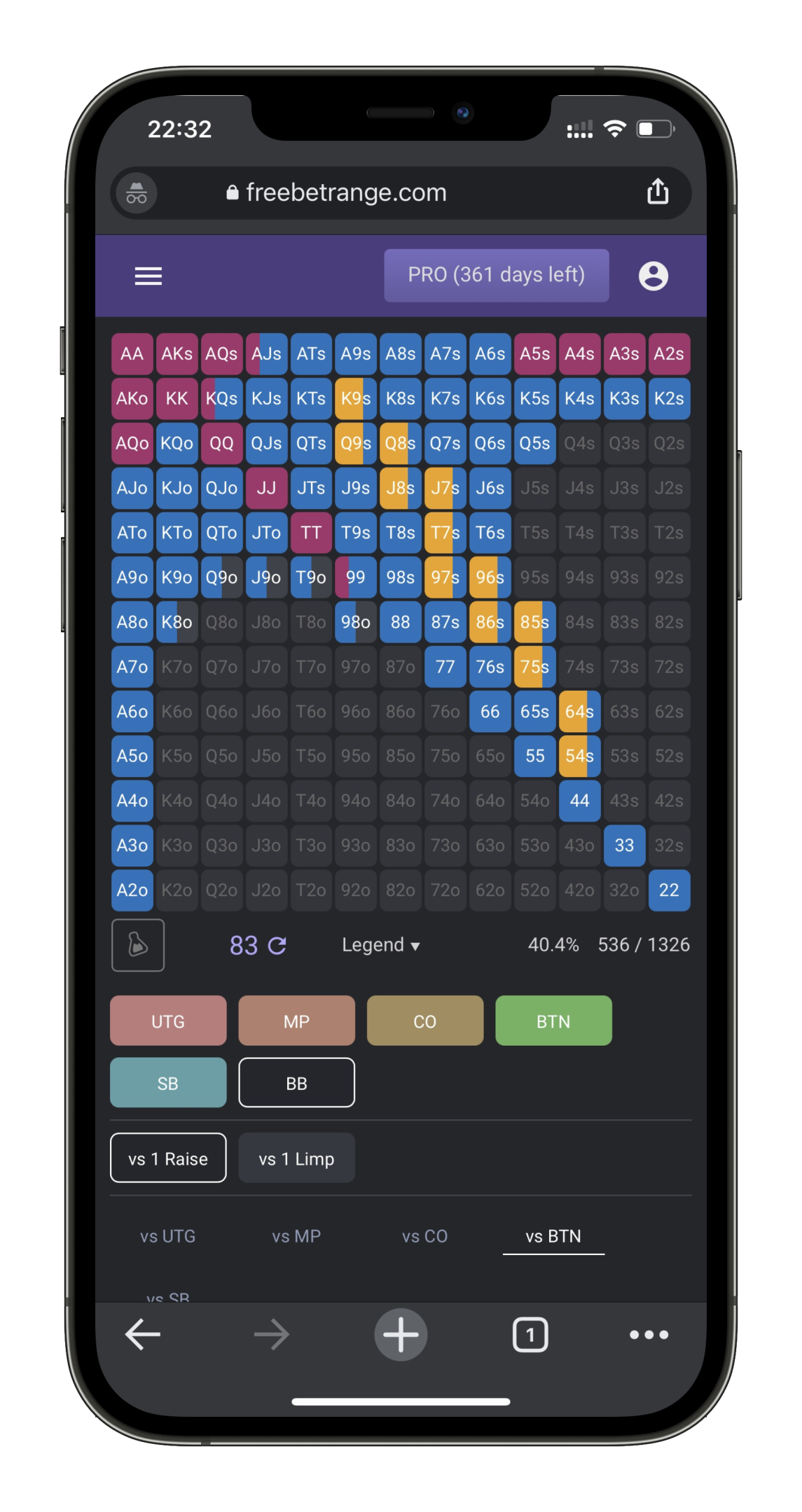
Everything works online and is saved on the fly. You do not need to install any software on your computer. Just register on the website once (Google sign-up is available). Next, open the website from any device at any time and use your ranges.

Please note that some rooms (for example PokerStars and PartyPoker) don't approve of using preflop charts. To be fair and not violate certain site policies, we recommend clarifying with the support if it's allowed to use charts in your room. In case it's not allowed, you can use FreeBetRange as a range manager and trainer outside the tables.

Any feedback, comments, and suggestions are welcome here or in our Discord community.

Good luck at the tables!


Reply
Quote
93 replies
Super Moderator
VorpalF2F
Joined: 02.09.2010

Hi neamm,
In accordance with our forum principles it is necessary to get approval before linking to poker tools not affiliated with PokerStrategy.com

I suggest that you create a customer support ticket Follow the link then click the beside "Open a new ticket"
Give them all the details you can.

Your original post and title have been preserved. If it is approved, they can be reinstated.

Best regards,
VS


Reply
Quote
NickKorolev
Joined: 23.03.2012

Hey VorpalF2F!
Thanks for guiding me with all this stuff.
I had a discussion with Sven from support team, he has permitted to restore the topic.


Reply
Quote
Super Moderator
VorpalF2F
Joined: 02.09.2010

Originally posted by neamm
I had a discussion with Sven from support team, he has permitted to restore the topic.

Great!
I'll check it out myself later today...

All the best,
VS


Reply
Quote
NickKorolev
Joined: 23.03.2012

Update 08/17/2020:
1. Added FAQ on the main page
2. Improvements in the editor (including quick name assignment and independent scrolling of the range list)
3. Bug fixes

We have received many requests to add additional colors and frequencies. We will implement it soon.


Reply
Quote
monteCarlol
Joined: 24.08.2019

I love it. Very cool app!
Been thinking about programming something like this, but couldn't find the time so far.


Reply
Quote
NickKorolev
Joined: 23.03.2012

Originally posted by monteCarlol
I love it. Very cool app!
Been thinking about programming something like this, but couldn't find the time so far.

Thanks for your feedback! Appreciate it


Reply
Quote
subhead
Joined: 31.07.2006

When i try to load the webpage i only see a blank page. I have tried it with Firefox, Chrome and Edge.


Reply
Quote
Lazza61
Joined: 23.03.2011

Originally posted by subhead
When i try to load the webpage i only see a blank page. I have tried it with Firefox, Chrome and Edge.

Both the main page and feedback page work for me in Chrome.


Reply
Quote
NickKorolev
Joined: 23.03.2012

Originally posted by subhead
When i try to load the webpage i only see a blank page. I have tried it with Firefox, Chrome and Edge.

Could you press F12 in Chrome, and set us a screenshot?
You can add me in skype live:hand2noteguide


Reply
Quote
monteCarlol
Joined: 24.08.2019

I have started to use it. And I really like it.
Now I am desperately waiting for new features and some convenience features. I have already submitted my feedback.
Any news on the time line for future releases?


Reply
Quote
NickKorolev
Joined: 23.03.2012

Hey, monteCarlol
Thanks for your feedback, we appreciate it. And we're glad that you like the tool.
Unfortunately, we can't say the exact ETA, as we have limited human and time resources. But the update is ready and it's on the testing stage at the moment. You may join testers group if you want, let me know in pm.


Reply
Quote
monteCarlol
Joined: 24.08.2019

Originally posted by neamm
Hey, monteCarlol
Thanks for your feedback, we appreciate it. And we're glad that you like the tool.
Unfortunately, we can't say the exact ETA, as we have limited human and time resources. But the update is ready and it's on the testing stage at the moment. You may join testers group if you want, let me know in pm.

Awesome, I am really looking forward to it.


Reply
Quote
Kapitalo
Joined: 14.03.2008

Link is dead


Reply
Quote
monteCarlol
Joined: 24.08.2019

Originally posted by Kapitalo
Link is dead

Others have also run into this. Maybe it has to do with the browser settings, try to enable JavaScript, or remove add blocker, or other plug-ins.
It works for me without problems on all my devices, MacOS, Android and latest versions of Chrome.


Reply
Quote
NickKorolev
Joined: 23.03.2012

Kapitalo, could you give me more information - what exactly happens when you open the link, what browser you use, etc. Would appreciate if you send me the info to PM.

monteCarlol, thanks for the response. Would also be great if you forward someone who encounter similar issues to me so we can resolve that issue.


Reply
Quote
NickKorolev
Joined: 23.03.2012

Hey!

We've finally released a big update.

What's new:
1. Adding more than 2 colors (up to 20!)
2. Applying weights to hands

This is what was asked the most. There are several other improvements as well:

3. Ordering ranges and folders

Opposite each range/folder there are now arrows that can be used to move an item up or down in the list.

4. Quick hand categories selection

Now you can select all of the hands of specific category by one click.

5. Export, import and sharing

Now you can export, import ranges, and also share them with colleagues. So far, the import works only for FreeBetRange -> FreeBetRange, but in the future we will also add compatibility with Flopzilla and Equilab.

6. Randomizer in Demo

The demo page always shows a random number from 0 to 100, which can be updated at any time. It is useful for players who want to maintain certain frequencies in their ranges.

FreeBetRange PRO

Features 1,2,4 and 6 are available in the PRO version, which is completely free at the moment. You need to click on the PRO button on the upper toolbar and then "Go to PRO". It is better to refresh the page (F5) before doing that.


Reply
Quote
monteCarlol
Joined: 24.08.2019
Reply
Quote
NickKorolev
Joined: 23.03.2012

monteCarlol, thanks for the support!


Reply
Quote
NickKorolev
Joined: 23.03.2012

Hey guys!
We've fixed the issue with blank white screen when entering FreeBetRange.com. The issue was relevant for some people who had default browser language different from English. Now everything should work smoothly regardless of your language settings.


Reply
Quote
