


Witam od jakiegoś czasu mam problem z okienkami w sofcie 888. nie wyświetlają mi się w ogóle. Chciałem odinsalowac soft ale też się nie da wyskakuje jakis blad install log, więc usunałem cały folder. Zainsatlowalem soft jeszcze raz ale dalej jest to samo pomoże ktoś ? 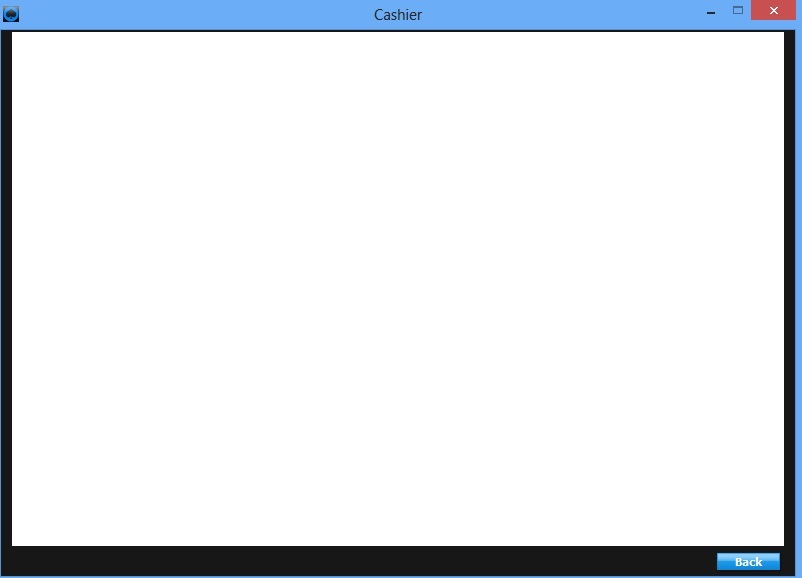
Powiadomienia
Wyczyść wszystko
888poker
5
Posty
4
Użytkownicy
2
Reakcje
825
Wyświetlenia
4 odpowiedzi

Aktualizacja internet explorer.
Jeśli chodzi Ci o samego cashiera to możesz się zalogować bezpośrednio przez stronę:
https://www.safe-cashier.com

Miałem ten sam problem, mi pomogło:
Prawym przyciskiem myszy na ikonce 888, właściwości -> zakładka: zgodność -> zaznaczasz: uruchom ten program w trybie zgodności z windows xp (service pack 3)
Miałem ten sam problem, mi pomogło:
Prawym przyciskiem myszy na ikonce 888, właściwości -> zakładka: zgodność -> zaznaczasz: uruchom ten program w trybie zgodności z windows xp (service pack 3)
Jestes zajebisty  Pomogło dzięki wielkie bo się duzo naszukałem. Fajnie ze ktoś odpowiedział
  :f_thumbsup::f_thumbsup:
w razie gdyby komuś nie pomogło to co jest napisane wyżej:
I spoke to support re this issue, after several days of different fixes the following worked for me.
1. Open Internet Explorer.
2. Click the ‘Tools’ menu. Depending on your version of Internet Explorer, this may in the standard menu bar, or it may be the gear icon in the top-right corner.
3. Select ‘Internet options’. Regardless of which menu you use, this option will be located at the bottom of the menu.
4. Click the ‘Connections’ tab. Under the Local Area Network (LAN) settings header, click the ‘LAN settings’ button. This will open another new window.
5. Untick the ‘Automatically detect settings’ box.
6. Click ‘OK’ to save the new settings.